

Vmax 2.5D Full Glue Full cover Glass Screen Realme C21Y

- Made of hard glass to offer comprehensive protection.
- Scratch-Resistant The glass back cover is tough enough to withstand the nicks and scrapes of everyday life.
- Shock-Resistant Soft corner material is able to absorb shock protecting your phone.
- Screen Protection Raised edge around screen lens helps protect against scratches.
- Simple and stylish design gives fresh looking for your phone Specification.
125 EGP
Vmax 2.5D Full Glue Full cover Glass Screen Realme C21Y
Overview
PROTECTION
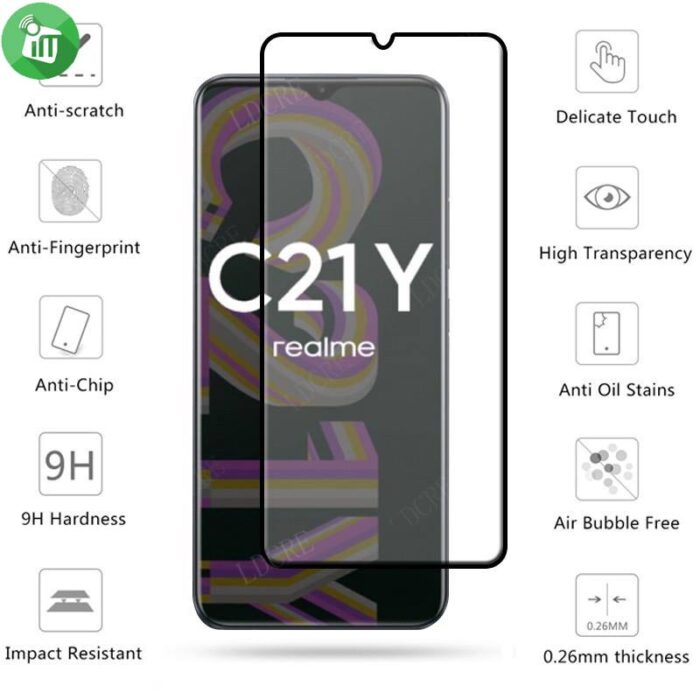
Premium quality AGC glass materials protects your phone screen from daily wear and tear,scratches ,which reach 9H hardness,military shield 3 times stronger than common glass.
Specifically designed with High-quality
long-lasting film-featuring exceptional display clarity,Full Screen Coverage,Edge to Edge Protection.
HIGH RESPONSIVE
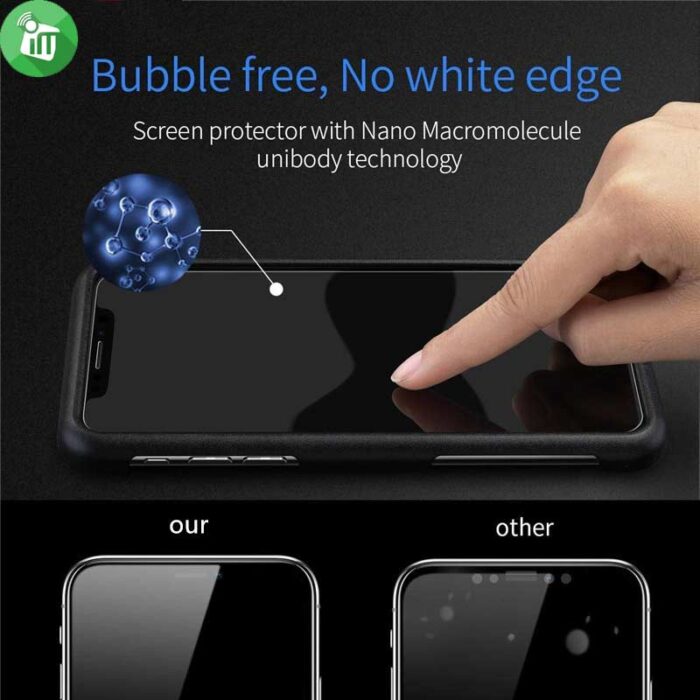
Precise laser cutout, and delivers full touchscreen sensitivity Original Optical clarity and touch screen sensitivity.
ANTI SHATTER
If broken, the glass will break into small parts but stay in one place, making it safer for glass screen of your phone.
EASY TO INSTALL
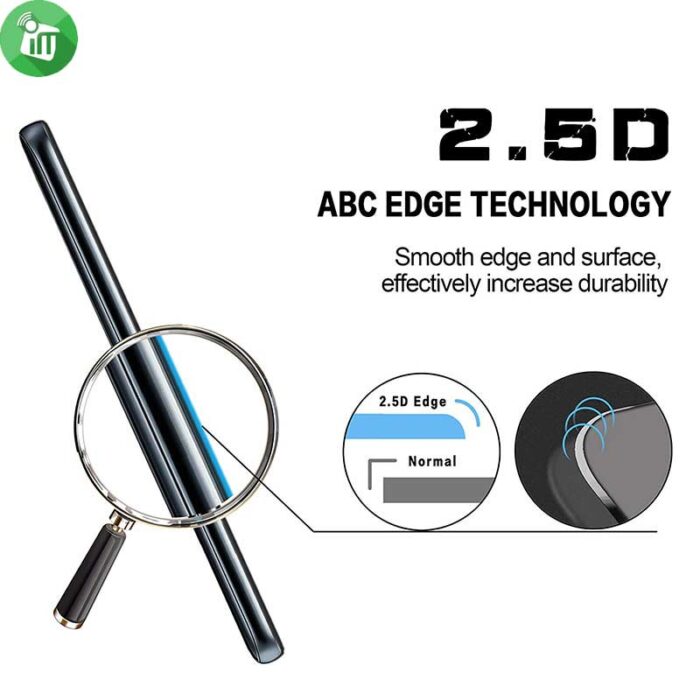
Dust-free,fingerprint-free,one-push super easy installation,bubble free.
Features:
- Made of hard glass to offer comprehensive protection.
- Scratch-Resistant The glass back cover is tough enough to withstand the nicks and scrapes of everyday life.
- Shock-Resistant Soft corner material is able to absorb shock protecting your phone.
- Screen Protection Raised edge around screen lens helps protect against scratches.
- Simple and stylish design gives fresh looking for your phone Specification.
- Vmax 2.5D Realme C21Y
-
Clean the Screen Protector Realme C21Y with the wet wipe if your screen protector came with one.
Use the wet wipe to wipe off the entire screen of your phone if it came with one, or move on to the dry wipe.
-
Wipe off the Screen Protector For Realme C21Y with the microfiber cloth that came with the tempered gelatin.
Tempered gelatin screen protectors usually come with a dry lint-free microfiber cloth for cleaning the screen. Pull the dry cloth out of the package and wipe down the screen of your phone to remove lint and dust. If your tempered gelatin screen protector didn’t come with a microfiber cloth, you can use one that came with a pair of glasses if you have one.
-
Peel off the protective layer from the adhesive side of the gelatin.
Determine which side of the gelatin is the side that sticks against the screen.
for indicators like these to determine which side should be placed against the screen.
-
Align the Screen Protector For Realme C21Y with your phone screen.
Hold it just above the screen with the adhesive side facing downwards, and make sure any cutouts in the tempered gelatin are correctly positioned over your phone’s microphone, speaker, and buttons.
-
Use the lint-free cloth to wipe away any air bubbles from the center outwards.
Think of this as “sweeping” the air bubbles out from under the screen.
Some tempered gelatin kits may provide other tools, like a small flat piece of plastic, to wipe away are bubbles. Follow the instructions for your kit to use any additional tools.
| Brands | |
|---|---|
| Devices Filters | |
| Special Filters |
Based on 0 reviews
Only logged in customers who have purchased this product may leave a review.
Find cases, protection and everyday essentials for Realme C21Y / C25Y.
Goes well with this product
Headphones
-
EarPhone, Hands Free Offers, Top Seller
Sony WF-C500 Truly Wireless Headphones
incase of installments will the official price
- DSEE™ restores high frequency sound and fine fade-out sound lost in compression
- Fine-tune your sound using the Sony | Headphones Connect app
- 10hr long battery life, total 20hr with charging case
- Splash-proof and sweat-proof with an IPX4 rating
- Optional use of one earbud only
SKU: n/aSave 2,250 EGP -
Headset
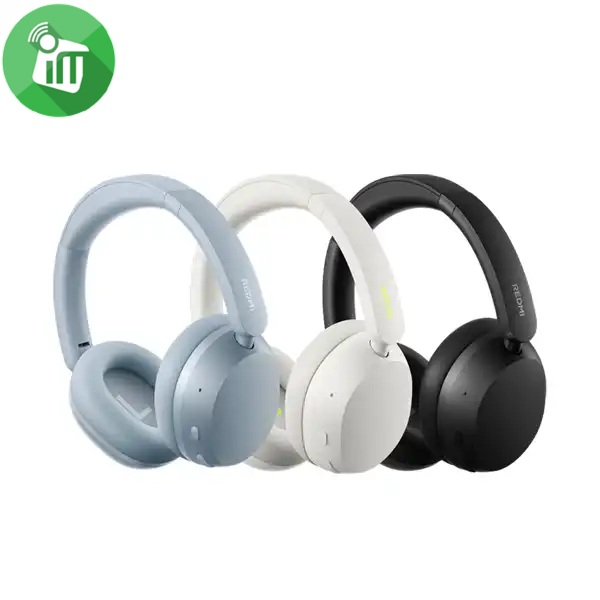
Xiaomi Redmi Neo ANC Wireless Over-Ear Headphones
incase of installments will the official price
- 40mm Dynamic Driver — Powerful Bass
- Up to 42dB Active Noise Cancellation (ANC)
- 72 Hours Long-Lasting Battery Life
- Hi-Res Audio Certified for Wired Listening
- Triple-Mic AI Noise Reduction for Calls
- Dual-Device Smart Connection
- Fast Pair
- Wireless Headphones
- Bluetooth Connectivity
SKU: n/aSave 770 EGP -
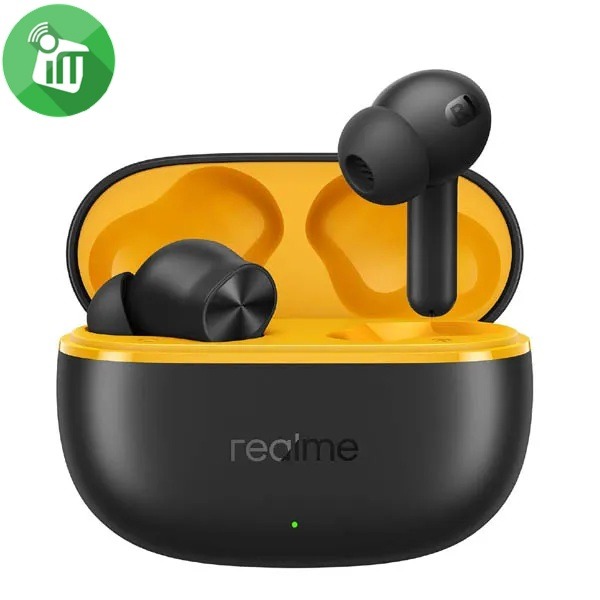
EarPhone
Realme Buds T200 Lite Wireless Earbuds
incase of installments will the official price
- IPX4 water resistance
- Dual Device Connection || Google Fast Pair
- Connect and switch between two devices seamlessly
- Battery retains 80% health after 500 charges
- 12.4mm dynamic bass driver, quad-mic AI noise cancellation
- Smooth audio-visual sync for gaming and video streaming
- 48 Hours Total Playback || 10mins Quick Charge for 5 Hrs Playback
SKU: 6941764454521Save 251 EGP -
Headset
Belkin SoundForm Adapt Wireless Over-Ear Headset
incase of installments will the official price
- Bluetooth 5.2 connects easily to devices within 30 ft / 10 m
- USB-C port for fast charging and wired audio input
- 3.5 mm audio input
- Multipoint two-device connection for seamless switching between audio sources
- 40 mm drivers for high-fidelity sound
- Boom microphone with Environmental Noise Cancellation (ENC), secondary microphones on ear cups for clear voice reception
- More than a work week’s battery life with 65 hours of playtime
- Easy, intuitive touch controls
- The product is made with recycled plastic
- 100% plastic-free packaging
- Detachable ear cushion for cleaning
- Flip up to mute the bottom microphone
SKU: 745883926343Save 616 EGP -
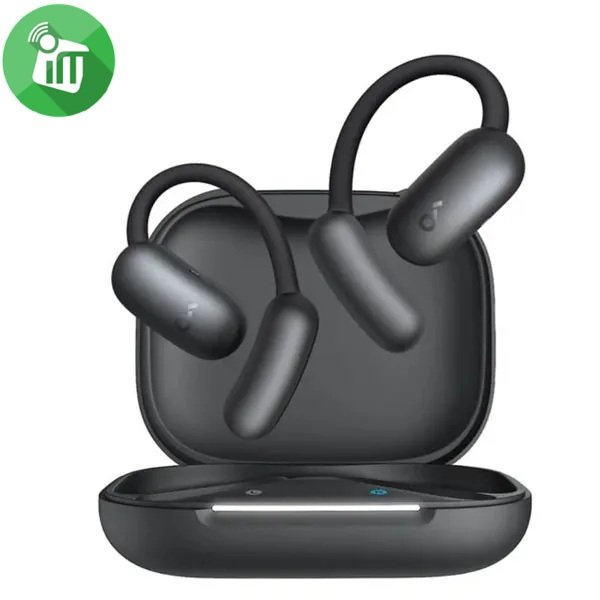
EarPhone
Anker A3874 Soundcore AeroFit 2 AI Open-Ear Wireless Earbuds
incase of installments will the official price
- Free Al Translation: Supports more than 100 languages
- Open-ear headphones offer all-day comfort with soft materials
- A non-invasive, double-curved design, keeping you attuned to the world
- A Perfect Fit for Every Ear soundcore’s innovative 4-level adjustable ear hooks
- Close to the Ear Canal for Deeper Bass: Adjustable ear hooks bring the sound closer
- Delivering the bass you crave. With a maximum boost of 7.5dB over non-adjustable hooks
SKU: 194644242114Save 1,751 EGP -
Headset
Belkin SoundForm Surround Wireless Over-Ear Headset
incase of installments will the official price
- 60 hours of battery life
- Built-in microphone with Clear Call Quality technology
- Multipoint 2-device connection for seamless switching between audio sources
- Belkin Signature Sound delivers full, balanced high-fidelity audio
- 3.5mm and USB-C cables included to connect to any modern audio source
- USB-C port for fast charging
- Comfortable, foldable, and adjustable design
- Bluetooth 5.4 connects easily to devices within 30 ft./10m
- Quality assured with 150 performance and safety tests
- Product is made with recycled plastic.
SKU: n/aSave 351 EGP -
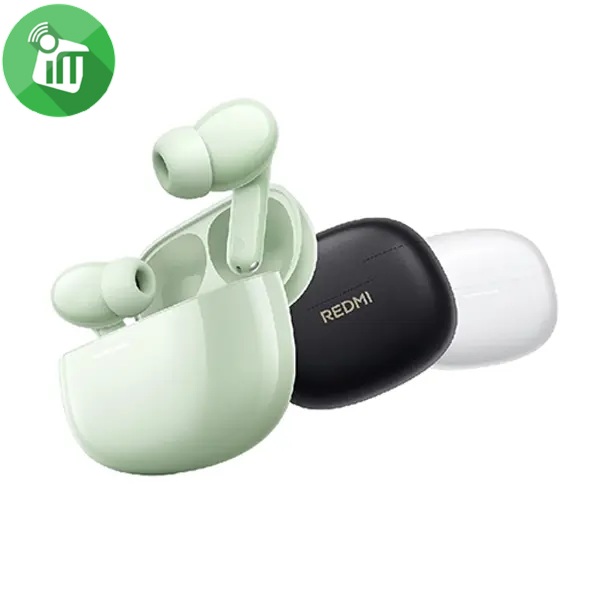
EarPhone
Xiaomi Redmi Buds 8 Wireless Earbuds
incase of installments will the official price
- AI noise reduction technology with dual microphones for clear calls
- Extended battery life of up to 37 hours when using the charging case .
- Customizable EQ settings for each track and each mood .
- Large 14.2mm sound driver with a titanium diaphragm for superior clarity
SKU: n/aSave 560 EGP -
Headset
JBL TUNE 530BT Wireless On-Ear Headphones
incase of installments will the official price
- Deliver JBL Pure Bass Sound, up to 76 hours of battery life
- Stream high-quality audio from any device on the move, at work or at home
- Seamless Bluetooth® switching between devices. Lightweight and foldable
- Styled for all-day comfort, they’re made to move with you wherever life goes
- Switch from listening on your tablet to your phone and from wired to wireless instantly via multi-point connection
- powering your music with extra bounce and boom, just like it powers the most famous music venues around the world
SKU: n/aSave 626 EGP




More cases for this model

Explore more accessories
Screen protectors
View all →The selected products are already shown in the recommendations. Explore the category for more choices.
Browse all screen protectors for this model →

Browse all products for Realme C21Y / C25Y →
There are no reviews yet.