
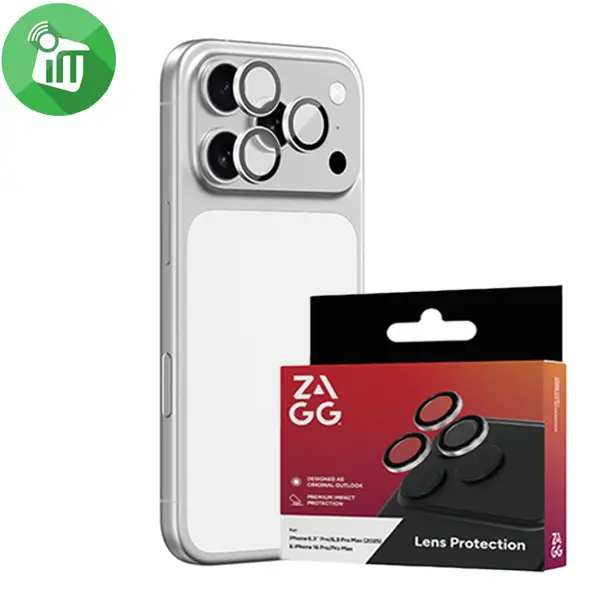
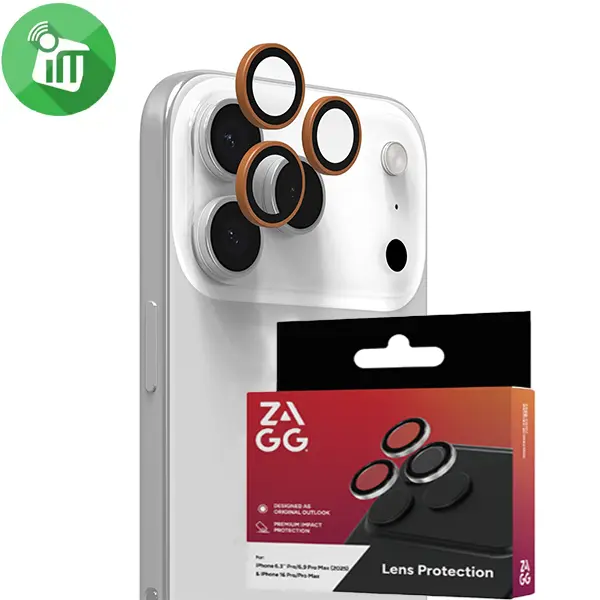
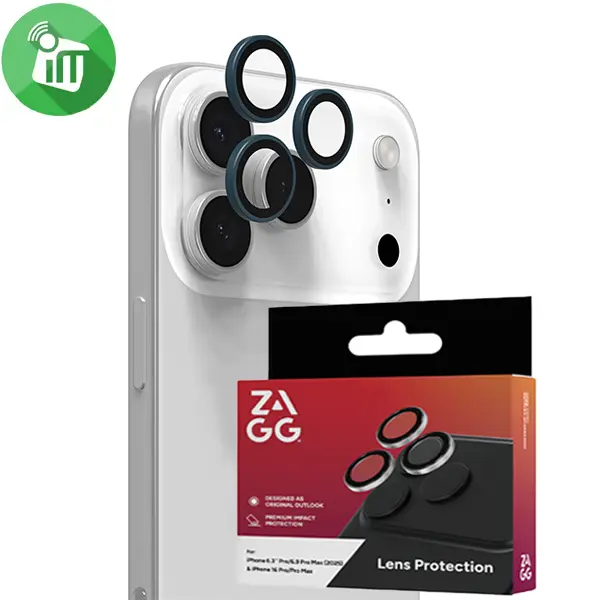

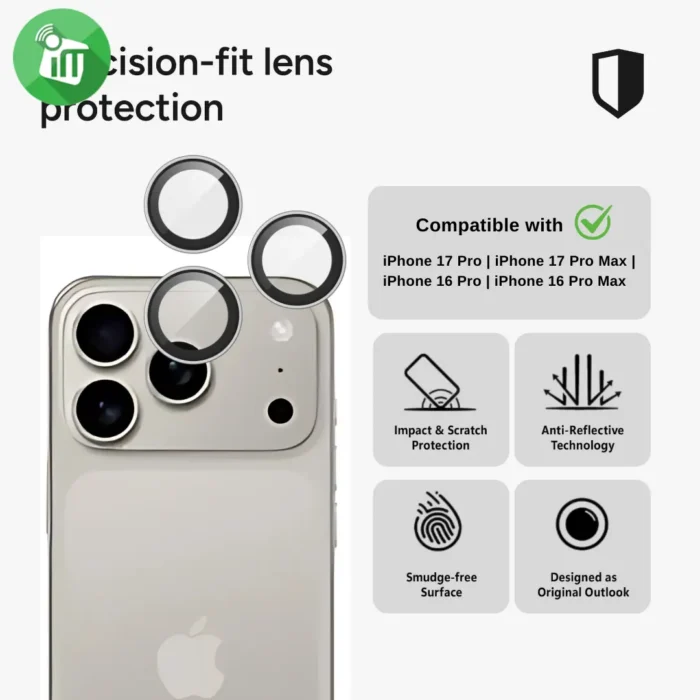
Zagg Camera Rings iPhone 17 Pro/ 17 Pro Max/16 Pro/16 Pro MAX Lens Protector

5 in stock
incase of installments will the official price
- Made from strengthened aluminosilicate glass for impact and scratch resistance.
- Helps disperse light to maintain accurate color and image vibrancy.
- Easier to clean and less prone to fingerprints than bare lenses.
- Cut to match the iPhone Pro camera bump footprint to help keep out dust and debris.
- protectors include a free lifetime replacement policy when purchased from ZAGG.
399 EGP 455 EGP
ZAGG Camera Rings iPhone 17 Pro/ 17 Pro Max/16 Pro/16 Pro MAX Lens Protector
Overview
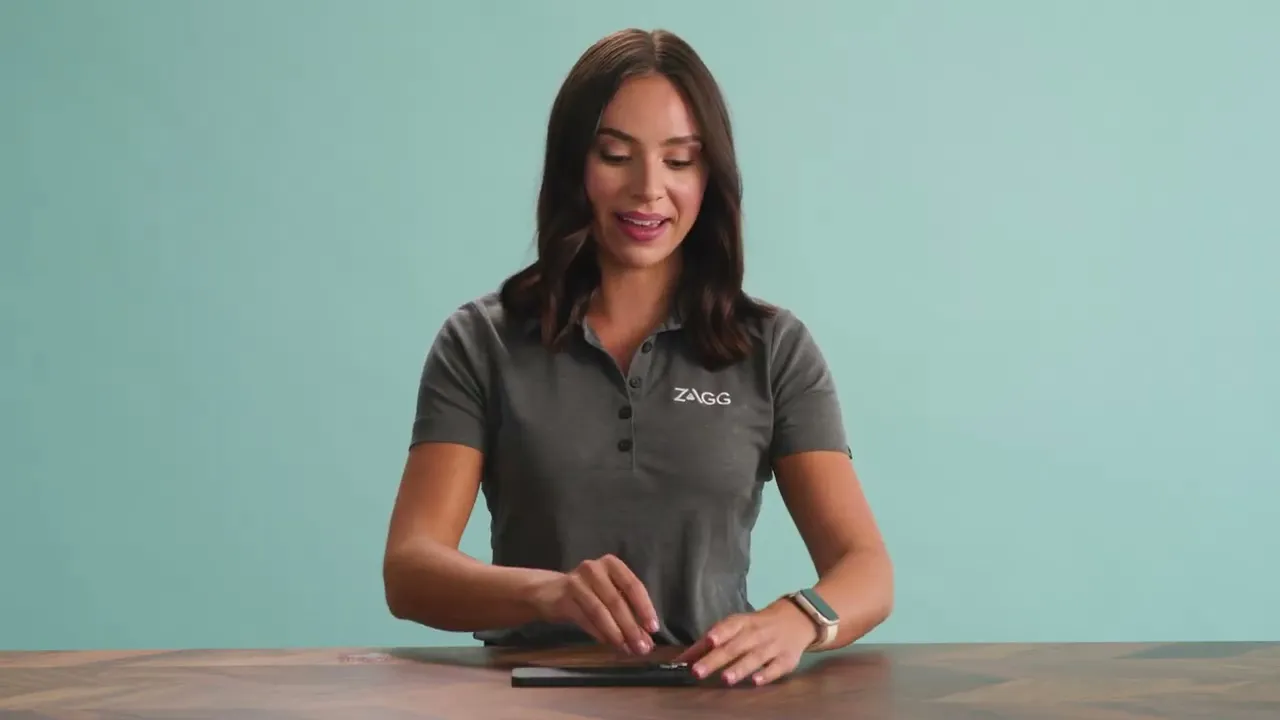

Protect your camera lenses from impact scratches
Rough surfaces, or the contents of your bag or pocket. Camera Lens protection fits precisely to protect. It is made with aluminosilicate glass, strengthened using Ion Matrix technology. Anti-reflective technology eliminates glare and lets you see everything in rich, vibrant color.
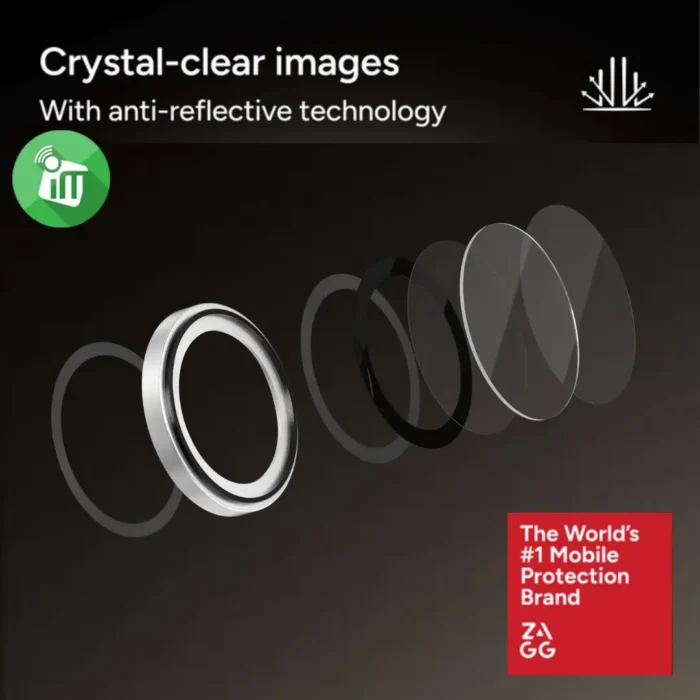
Aluminosilicate glass
is strengthened with ion exchange technology for greater strength and scratch-resistance.
Camera Lens Protector’s anti-reflective
quality disperses light to enhance color depth and vibrancy.
Camera Lens Protector’s advanced
clarity allows you to capture crystal clear pictures.
A long-lasting
oil-resistant finish prevents fingerprints from accumulating and helps keep your screen looking pristine.

Camera Lens Protector fits
securely to prevent dust and debris build-up
Camera Lens Protector blends flawlessly
with the original device which feels like bare-metal aesthetic.
Features:
- Made from strengthened aluminosilicate glass for impact and scratch resistance.
- Helps disperse light to maintain accurate color and image vibrancy.
- Easier to clean and less prone to fingerprints than bare lenses.
- Cut to match the iPhone Pro camera bump footprint to help keep out dust and debris.
- protectors include a free lifetime replacement policy when purchased from ZAGG.
- ZAGG Rings 17 Pro
How to Install Screen
-
Clean the Screen Protector with the wet wipe if your screen protector came with one.
Use the wet wipe to wipe off the entire screen of your phone if it came with one, or move on to the dry wipe. Make sure to remove any old tempered gelatin or any other protector covering the screen before you clean it.
-
Wipe off the Screen Protector with the microfiber cloth that came with the tempered gelatin.
Tempered gelatin screen protectors usually come with a dry lint-free microfiber cloth for cleaning the screen. Pull the dry cloth out of the package and wipe down the screen of your phone to remove lint and dust. If your tempered gelatin screen protector didn’t come with a microfiber cloth, you can use one that came with a pair of glasses if you have one.
-
Peel off the protective layer from the adhesive side of the gelatin.
Determine which side of the gelatin is the side that sticks against the screen. Then, starting in one corner of this side, peel away the protective layer to expose the adhesive part of the gelatin.
Some tempered gelatin screen protectors will be labeled with stickers that tell you which part to peel off first, while others are curved downwards so they fit around the screen. Look for indicators like these to determine which side should be placed against the screen.
- Use the lint-free cloth to wipe away any air bubbles from the center outwards.
Think of this as “sweeping” the air bubbles out from under the screen.
Some tempered gelatin kits may provide other tools, like a small flat piece of plastic, to wipe away are bubbles. Follow the instructions for your kit to use any additional tools.
| Brands | |
|---|---|
| Special Filters | |
| Devices Filters | iPhone 16 Pro, iPhone 16 Pro Max, iPhone 17 Pro, iPhone 17 Pro Max |
| Color |
Based on 0 reviews
Only logged in customers who have purchased this product may leave a review.
Goes well with this product
Chargers
-
Charging Tools, Top Seller
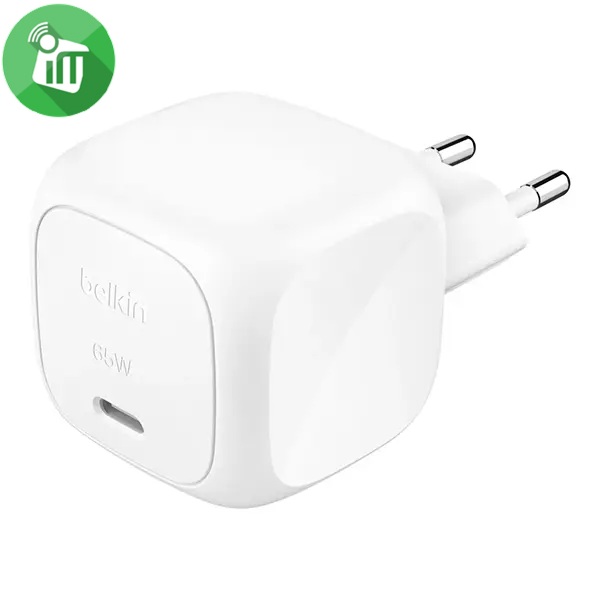
Belkin BoostCharge Compact USB-C Wall Charger 65W
incase of installments will the official price
- Output: Up to 65W (one USB-C port)
- Port: One USB-C port
- Technology: GaN + PD 3.1 + PPS
- Input: 100-240V (for universal use)
- Compatibility: MacBook’s / Windows laptops , iPhones / Samsung / Android devices /Tablets and accessories
- Charging laptops (MacBook Air, etc.)
- Compact size with foldable prongs that make it great for travel
- USB-C PD 3.1 certification ensures the product is safe, compliant and meets required specs
SKU: 745883909438Save 280 EGP -
Charging Tools, Top Seller
Belkin BoostCharge Pro Dual USB-C GaN Wall Charger 67W
incase of installments will the official price
- Input: 100-240V ~ 50/60Hz 0.6A
- Single-port: 5 V/3 A, 9 V/3 A, 12 V/3 A, 15 V/3 A, 20 V/3.35 A (up to 67 W)
- Dual-port: up to 45 W (USB-C1) + 20 W (USB-C2), total 67 W
- Dual USB-C charging to charge two smartphones or one smartphone
- Travel light with a portable, travel-friendly design
- Charge your smartphone, tablet, earbuds, smart watch, and laptop
- Zero Standby Power provides optimal charging based on the connected device and saves energy when you’re not charging
SKU: 745883921621Save 600 EGP -
Charging Tools, Top Seller
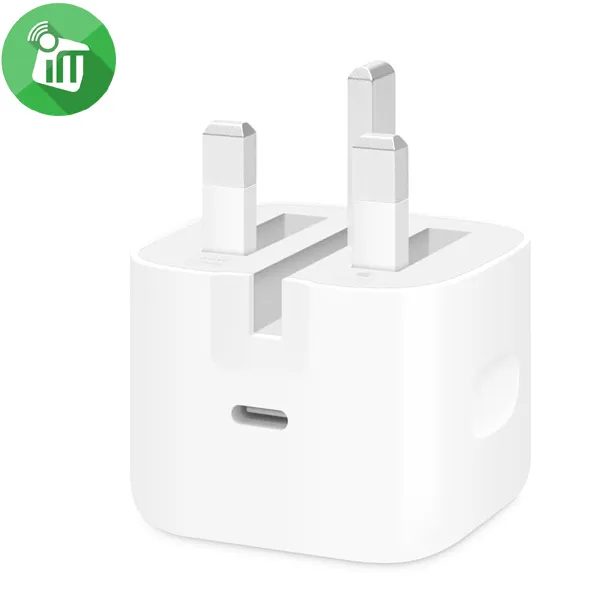
Google 45W USB-C Power Charger
incase of installments will the official price
- Input: 00–240 V, 50/60 Hz
- Output PD: 5 V/3 A, 9 V/3 A, 15 V/3 A, 20 V/2.25 A
- Output PPS: up to 11 V/3 A, 16 V/3 A, 21 V/2.25 A max. 45W
- Compact size with foldable
- Up to 45W of fast charging for one device
- Power up your Pixel 9 Pro XL to 70% battery in about 30 minutes
- Made for your Google devices. Pixel phones, Pixel Buds and even your laptop
- The 45W USB-C Power Charger delivers fast and efficient charging for all your Pixel devices
SKU: 840353913769Save 557 EGP -
Charging Tools, Top Seller
Belkin Boost Charge Compact USB-C Wall Charger 45W with USB-C to USB-C Cable
-12%Quick View Charging Tools, Top Seller
Belkin Boost Charge Compact USB-C Wall Charger 45W with USB-C to USB-C Cable
incase of installments will the official price
- Input: 100 – 240V ~ 50/60 Hz, 1.20A
- USB-C Output: 45W
- Compact size with foldable prongs that make it great for travel
- Up to 45W of fast charging for one device
- Fast charge iPhone 16 Pro from 0-50% in 28 minutes or Samsung Galaxy S23 from 0-50% in 30 minutes
- USB-C PD 3.1 certification ensures the product is safe, compliant and meets required specs
- Product made with recycled plastic
- 100% plastic-free packaging
SKU: 745883911004Save 266 EGP -
Charging Tools, Top Seller
Belkin Boost Charge Pro USB-C Dual Wall Charger 45W
incase of installments will the official price
- Charger Output: 45 Watt
- Port 2 output power: 20W
- Port 1 output power: 25W
- Charger compatibility: Smartphone, Laptop, Tablet
- Power protection features: Overheating, Overload
- Power source type: AC
- USB Type-C ports quantity: 2
- Fast charging: Yes
- Dual USB-C Ports: Charge two devices at once with a total of 45W power.
- GaN Technology: Compact design delivers high efficiency and fast charging.
- PPS Compatibility: Optimizes power delivery for safer and faster charging.
- 45W Total Power Output: Efficiently charges smartphones, tablets, and laptops.
- Compact Design: Lightweight and portable, perfect for travel.
- Enhanced Safety: Built-in protection against overheating and overcharging
SKU: 745883841073Save 230 EGP -
Charging Tools, Top Seller
UGREEN X524 45W USB-C PD GaN Fast Charger
incase of installments will the official price
- Input: AC 100–240V, 50/60Hz
- USB-C Output: 5V/3A,11V/4.05A
- 45W power ensures fast and efficient charging
- Durable material made of PC for durability
- USB-C input provides fast charging via the USB-C port
- Compact design, Easy to carry, and convenient for everyday use
- Suitable for all devices: Compatible with mobile phones and tablets
- compact size makes it a perfect travel companion, fitting easily in your bag or pocket
- 2-year Warranty
SKU: n/aSave 386 EGP -
Charging Tools, Top Seller
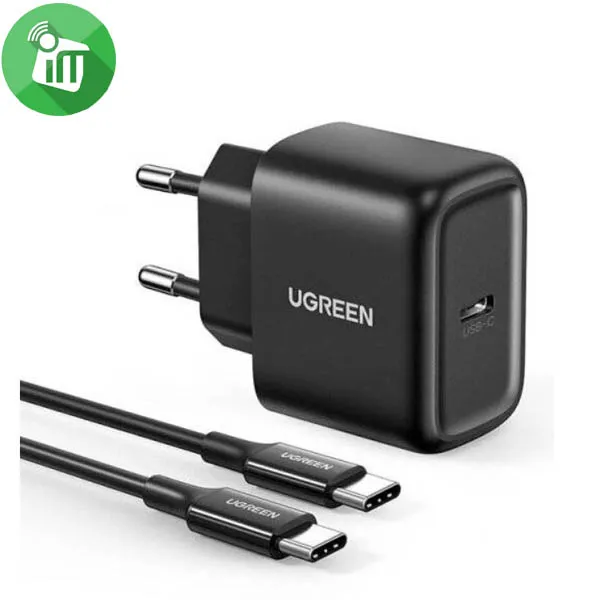
UGREEN CD250 25W USB-C PD Fast Charger With USB-C/C Cable
incase of installments will the official price
- Input: 100-240 V ~50/60 Hz 700 mA max.
- Output: 5 V / 3 A, 9 V / 2.77 A, 12 V / 2.08 A, PPS: 3.3~11 V / 2.25 A
- 25W power ensures fast and efficient charging
- USB-C input provides fast charging via the USB-C port
- Durable material made of PC for durability
- Compact design, Easy to carry, and convenient for everyday use
- Suitable for all devices: Compatible with mobile phones and tablets
- compact size makes it a perfect travel companion, fitting easily in your bag or pocket
- 2-year Warranty
SKU: 6957303855810Save 386 EGP -
Charger Offers, Charging Tools, Top Seller
Mophie Speedport 45W USB-C PD GaN Wall Charger (US)
-30%Quick View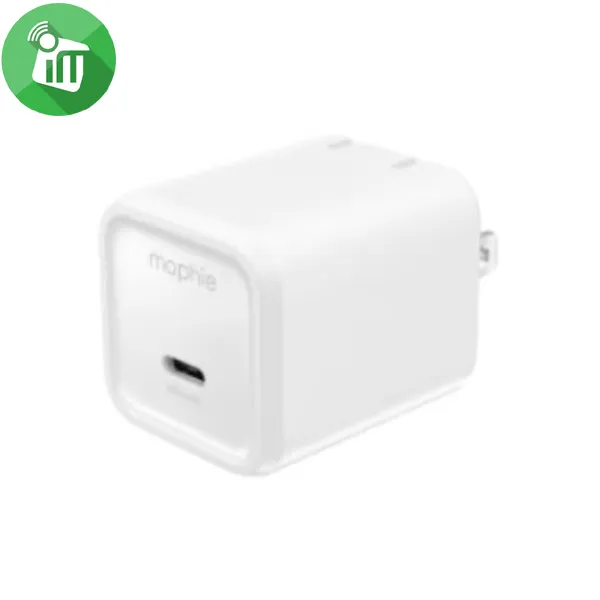 Charger Offers, Charging Tools, Top Seller
Mophie Speedport 45W USB-C PD GaN Wall Charger (US)
- Total Wattage : 45W
- Input : 100-240V 0.5A 50-60Hz
- Up to 45W of power delivery allows you to charge your iPhone
- The compact size means the wall charger won’t block other outlets
- Compatible with Android / IOS tablet and smartphones
- Ideal choice when it comes to charging your device. With its advanced features
- Recharge your phone in record time and get up 50% battery in just 30 minutes
SKU: 840390349194Save 516 EGP


Headphones
-
EarPhone, Hands Free Offers, Top Seller
Sony WF-C500 Truly Wireless Headphones
incase of installments will the official price
- DSEE™ restores high frequency sound and fine fade-out sound lost in compression
- Fine-tune your sound using the Sony | Headphones Connect app
- 10hr long battery life, total 20hr with charging case
- Splash-proof and sweat-proof with an IPX4 rating
- Optional use of one earbud only
SKU: n/aSave 2,250 EGP -
Headset
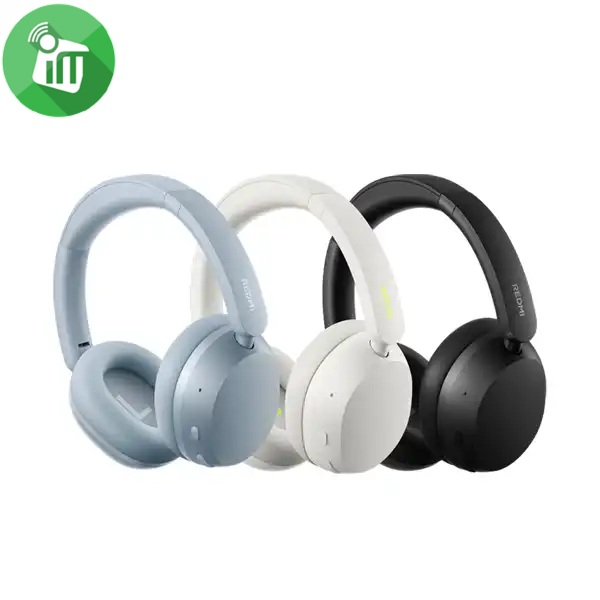
Xiaomi Redmi Neo ANC Wireless Over-Ear Headphones
incase of installments will the official price
- 40mm Dynamic Driver — Powerful Bass
- Up to 42dB Active Noise Cancellation (ANC)
- 72 Hours Long-Lasting Battery Life
- Hi-Res Audio Certified for Wired Listening
- Triple-Mic AI Noise Reduction for Calls
- Dual-Device Smart Connection
- Fast Pair
- Wireless Headphones
- Bluetooth Connectivity
SKU: n/aSave 770 EGP -
EarPhone
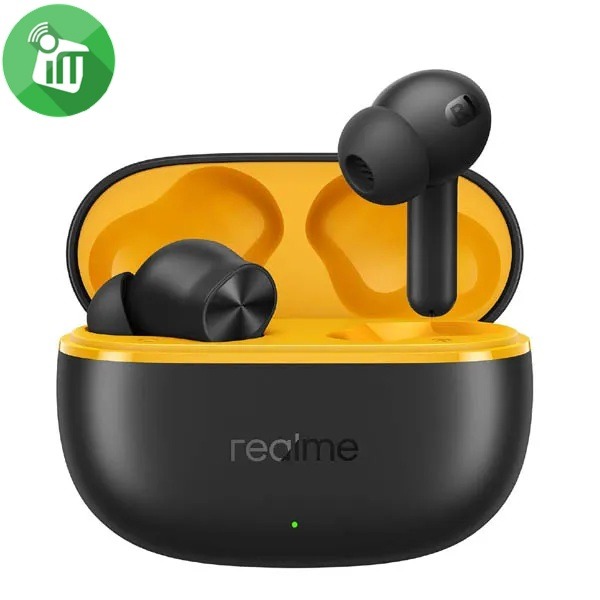
Realme Buds T200 Lite Wireless Earbuds
incase of installments will the official price
- IPX4 water resistance
- Dual Device Connection || Google Fast Pair
- Connect and switch between two devices seamlessly
- Battery retains 80% health after 500 charges
- 12.4mm dynamic bass driver, quad-mic AI noise cancellation
- Smooth audio-visual sync for gaming and video streaming
- 48 Hours Total Playback || 10mins Quick Charge for 5 Hrs Playback
SKU: 6941764454521Save 251 EGP -
Headset
Belkin SoundForm Adapt Wireless Over-Ear Headset
incase of installments will the official price
- Bluetooth 5.2 connects easily to devices within 30 ft / 10 m
- USB-C port for fast charging and wired audio input
- 3.5 mm audio input
- Multipoint two-device connection for seamless switching between audio sources
- 40 mm drivers for high-fidelity sound
- Boom microphone with Environmental Noise Cancellation (ENC), secondary microphones on ear cups for clear voice reception
- More than a work week’s battery life with 65 hours of playtime
- Easy, intuitive touch controls
- The product is made with recycled plastic
- 100% plastic-free packaging
- Detachable ear cushion for cleaning
- Flip up to mute the bottom microphone
SKU: 745883926343Save 616 EGP -
EarPhone
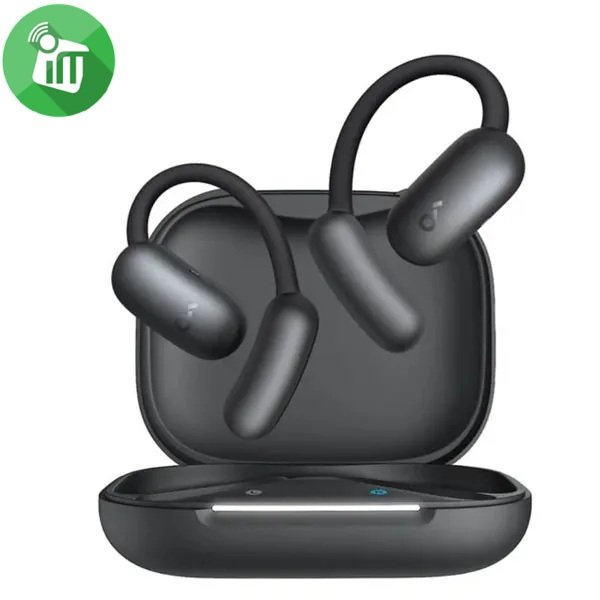
Anker A3874 Soundcore AeroFit 2 AI Open-Ear Wireless Earbuds
incase of installments will the official price
- Free Al Translation: Supports more than 100 languages
- Open-ear headphones offer all-day comfort with soft materials
- A non-invasive, double-curved design, keeping you attuned to the world
- A Perfect Fit for Every Ear soundcore’s innovative 4-level adjustable ear hooks
- Close to the Ear Canal for Deeper Bass: Adjustable ear hooks bring the sound closer
- Delivering the bass you crave. With a maximum boost of 7.5dB over non-adjustable hooks
SKU: 194644242114Save 1,751 EGP -
Headset
Belkin SoundForm Surround Wireless Over-Ear Headset
incase of installments will the official price
- 60 hours of battery life
- Built-in microphone with Clear Call Quality technology
- Multipoint 2-device connection for seamless switching between audio sources
- Belkin Signature Sound delivers full, balanced high-fidelity audio
- 3.5mm and USB-C cables included to connect to any modern audio source
- USB-C port for fast charging
- Comfortable, foldable, and adjustable design
- Bluetooth 5.4 connects easily to devices within 30 ft./10m
- Quality assured with 150 performance and safety tests
- Product is made with recycled plastic.
SKU: n/aSave 351 EGP -
EarPhone
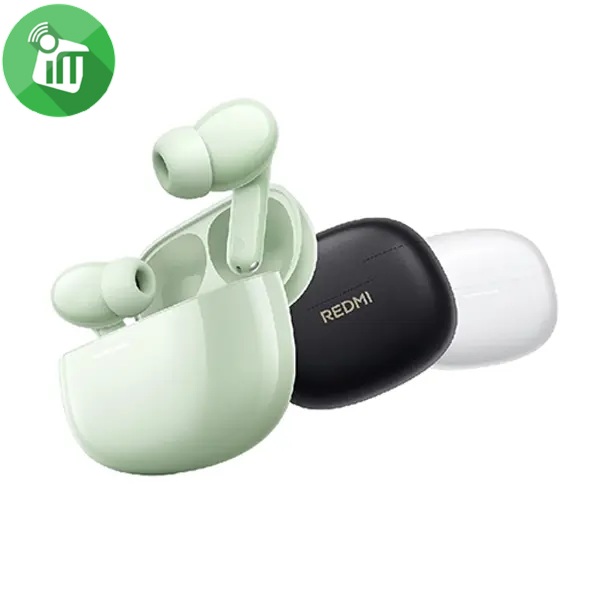
Xiaomi Redmi Buds 8 Wireless Earbuds
incase of installments will the official price
- AI noise reduction technology with dual microphones for clear calls
- Extended battery life of up to 37 hours when using the charging case .
- Customizable EQ settings for each track and each mood .
- Large 14.2mm sound driver with a titanium diaphragm for superior clarity
SKU: n/aSave 560 EGP -
Headset
JBL TUNE 530BT Wireless On-Ear Headphones
incase of installments will the official price
- Deliver JBL Pure Bass Sound, up to 76 hours of battery life
- Stream high-quality audio from any device on the move, at work or at home
- Seamless Bluetooth® switching between devices. Lightweight and foldable
- Styled for all-day comfort, they’re made to move with you wherever life goes
- Switch from listening on your tablet to your phone and from wired to wireless instantly via multi-point connection
- powering your music with extra bounce and boom, just like it powers the most famous music venues around the world
SKU: n/aSave 626 EGP




More screen protectors for this model

Explore more accessories

Complete your setup

Discover related products
-
Exclusive Products, Power Banks, Top Seller
Nillkin PowerStone Magnetic Battery Pack (5000mAh)
-26%Quick View Exclusive Products, Power Banks, Top Seller
Nillkin PowerStone Magnetic Battery Pack (5000mAh)
incase of installments will the official price
- Input (USB-C) : 5V-3A
- Output (USB-C): 5V-3A=15W
- Wireless Charging : 5W/7.5W/10W/15W
- PowerStone Magnetic Battery Pack is design for MagSafe series.
- Small and light, easy to carry around.
- Built-in high performance magnets, stronger magnetism.
- Double-side magnetic design to unlock different ways of using.
- With a maximum battery capacity of 5000mAh.
- it is enough for you needs.
- Intelligent temperature control function gives stable and faster charging.
- Increased platform design. Never block your lens.
SKU: n/aSave 500 EGP -
Power Banks
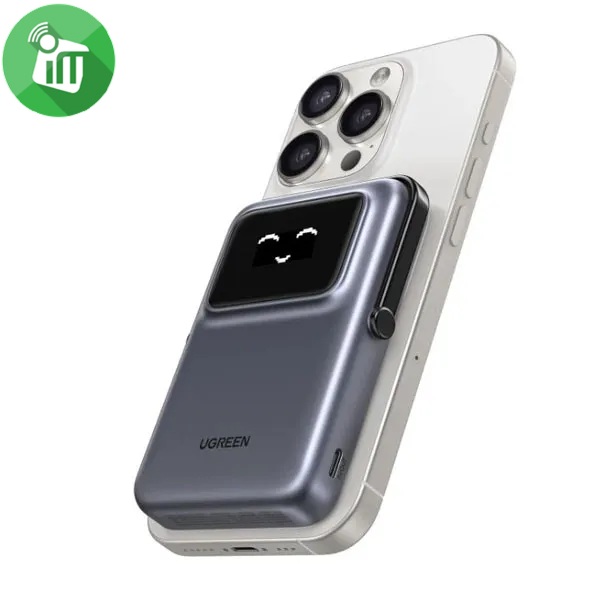
UGREEN Uno PB752 Magnetic Wireless Power Bank 20W 10000mAh
incase of installments will the official price
- USB-C Input: 5V-3A/9V-2.22A-20W Max
- USB-C Output: 5V-2.4A/5V-3A/9V-2.2A-20W Max
- Wireless charging output: Qi 7.5W max
- USB-C+Wireless Output: 5V-2.4A 12W Max
- TFT screen with expressive display for battery status
- Exterior made of soft, touch-friendly silicone
- Magnetic attachment 10N magnetic force for secure attachment
- Integrated stand Foldable support for portrait/landscape mode
- 2-year Warranty
SKU: 6941876243273Save 1,241 EGP -
Power Banks
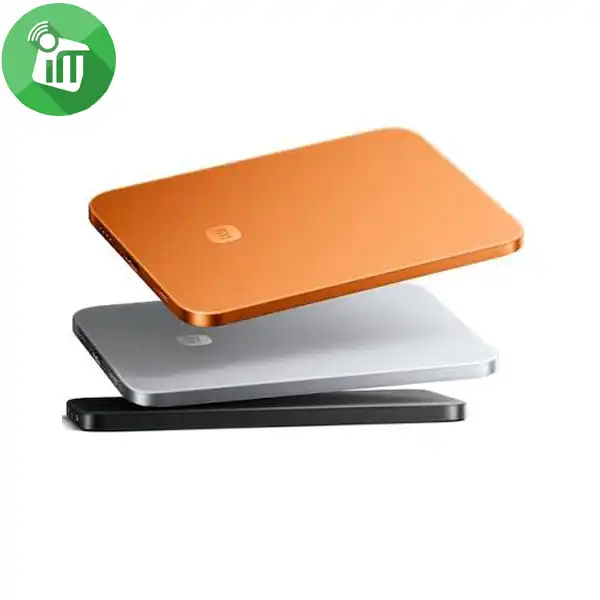
Xiaomi Ultra Thin Magnetic Power Bank 5000 15W
- Input parameters: USB-C: 5V⎓3A / 9V⎓2.5A, 22.5W Max
- Output parameters: USB-C: 5V⎓3A=15W / 9V⎓2.5A, 22.5W Max
- Product model: MDY-20-EB
- Rated capacity: 3000mAh (5V/2A)
- 5000mAh Battery Capacity
- 15W Max Wireless Magnetic Charging
- 22.5W Max USB-C Output
- USB-C Input & Output
- Ultra-Thin 6mm Design
SKU: 6932554412692Save 546 EGP -
Power Banks
Momax IP117A Q.Mag X1 Magnetic Wireless Power Bank 10000mAh
incase of installments will the official price
- Battery: 10000mAh (38Wh)
- Output Port: USB-C, Wireless Output
- Output Power: USB-C: PD 20W 5V /2.4A=12W 9V/2.22A=20W 12V/1.5A=18W
- Wireless Output: 5W/7.5W/10W/15W
- Input Port: USB-C
- Input Power: 5V/3A, 9V/2A
- Other: Inductive Charging
- MagSafe compatible
- 10000mAh battery capacity
- Up to 15W wireless fast charging
- 20W PD USB-C fast charging
- Charge up to 2 devices simultaneously
- With overcurrent, overvoltage, short circuit, and overtemperature protection
SKU: n/aSave 461 EGP -
Power Banks
Momax IP128 1-Power Flow Magnetic Battery Pack 10000mAh
incase of installments will the official price
- Capacity: 10,000mAh (37Wh)
- Rated Capacity : 5600mAh
- USB-C Input : 5V3A, 9V2.22A, 12V1.67A
- USB-C Output : 5V3A=15W 9V2.22A=20W 12V1.67A=20W
- Wireless Output : 5W, 7.5W, 10W, 15W
- Multi-way Output : 5V3A
- Material: PC + ABS
- MagSafe Compatible
- Transparent surface
- LED display for battery percentage
- Indicating light for on/off indication
- Kick stand to keep phone upright
SKU: 4894222073463Save 406 EGP -
Power Banks
Momax IP132 1-Power X Pro+ Magnetic Wireless Power Bank 10000mAh
incase of installments will the official price
- Battery power: 10000mAh (38.7Wh)
- Battery rated power: 9840mAh (38.08Wh)
- Rated capacity: 5400mAh
- USB-C1/C2 input: 5V⎓3A, 9V⎓2A
- USB-C1/C2 output: 5V⎓2.4A= 9V⎓2.22A= 12V⎓1.67A=
- Wireless output: 5W, 7.5W, 10W, 15W (compatible iPhone devices up to 7.5W)
- Multi-Ways output: 5V⎓3A
- Materials: PC + glass + zinc alloy
- MagSafe compatible
- 10,00mAh battery capacity
- 20W PD and Qualcomm Quick Charge 3.0 fast charging
- Charge up to 3 devices simultaneously
- Built-in USB-C charging cable
- Features a foldable metal stand for support or hands-free use
SKU: n/aSave 381 EGP -
Power Banks
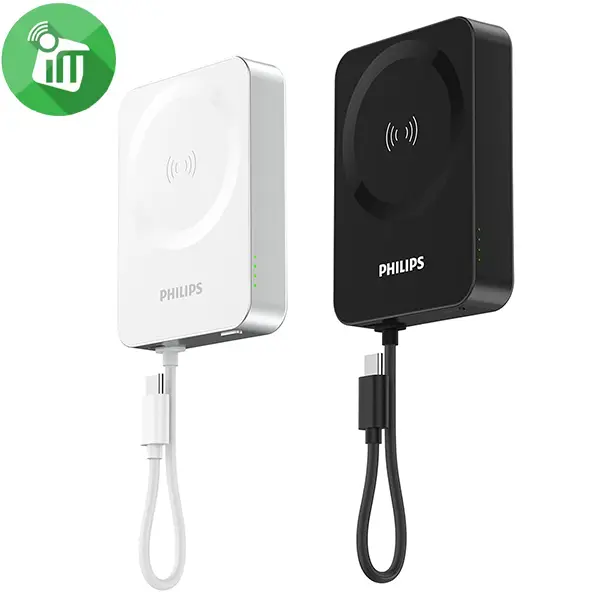
Philips DL2717 Wireless 15W Magnetic Power Bank 10000mAh
incase of installments will the official price
- Battery type: Lithium-ion polymer battery
- Lithium battery capacity: 10000mAh/3.85V/38.5Wh
- Rated capacity: 6000mAh
- Rated input: USB-C/USB-CM: 5V-3A, 9V-2.22A, 12V-1.67A
- Rated output: USB-C/USB-C cable: 5V-3A=15W 9V-2.22A=20W 12V-1.67A=20W
- Wireless charging: 5W/7.5W/10W/15W
- USB-C cable + USB-C + wireless charging output: 5V-34
- Product dimensions: 64.2*87.2*18.8mm
SKU: n/aSave 251 EGP -
Power Banks
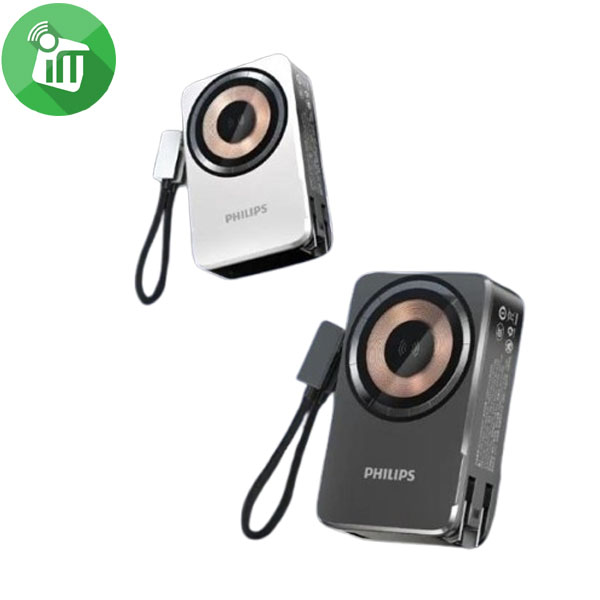
Philips 5 in 1 Wireless 15W Magnetic Power Bank 10000mAh
incase of installments will the official price
- Capacity: 10000mAh
- Input: AC: 110-240V ~50/60Hz 0.3A USB-C1: 5V 3A
- USB-C1: 5V 3A, 9V 2.22A, 12V 1.67A, (SCP) 10V 2.25A
- USB-C2: 5V 3A, 9V 2.22A, 12V 1.67A, (SCP) 10V 2.25A
- USB-A: 5V 3A, 9V 2A, 12V 1.5A, (SCP)10V 2.25A
- Making it ideal for travel, work, or daily use.
- The LCD screen provides a power indicator
- This compact yet powerful power bank combines portability with performance
- It can be used anytime, anywhere, regardless of whether there is a power source nearby
SKU: n/aSave 341 EGP


Goes well with this product
Chargers
 Belkin BoostCharge Compact USB-C Wall Charger 65W1,990 EGP
  Belkin BoostCharge Pro Dual USB-C GaN Wall Charger 67W2,399 EGP
There are no reviews yet.